
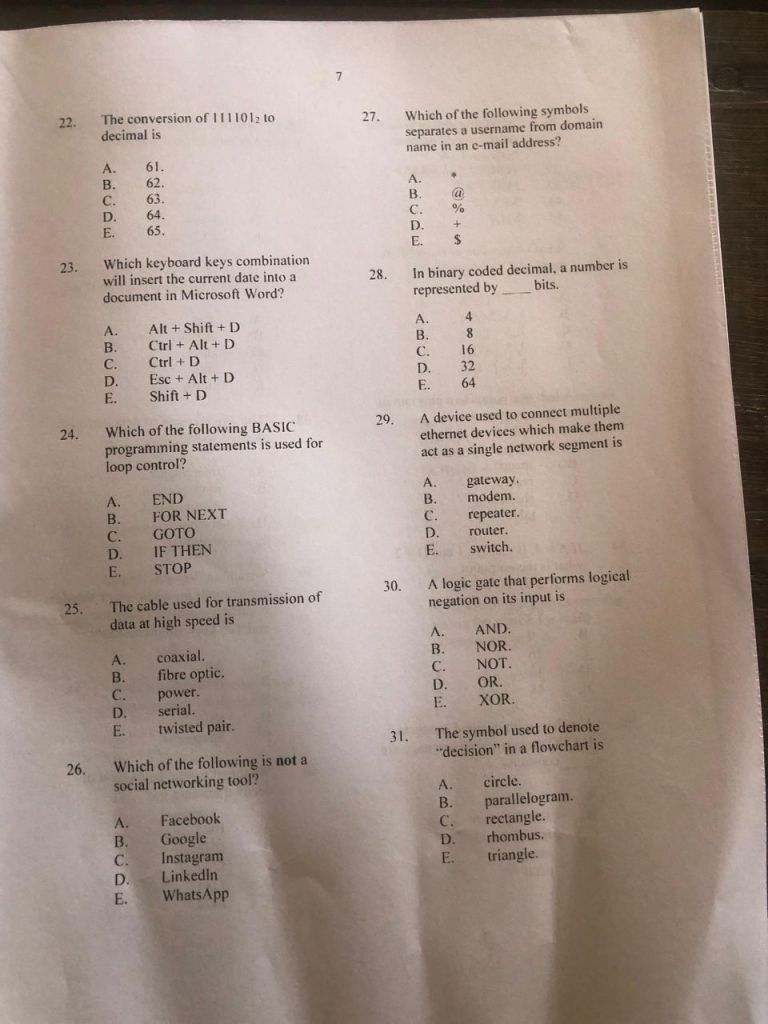
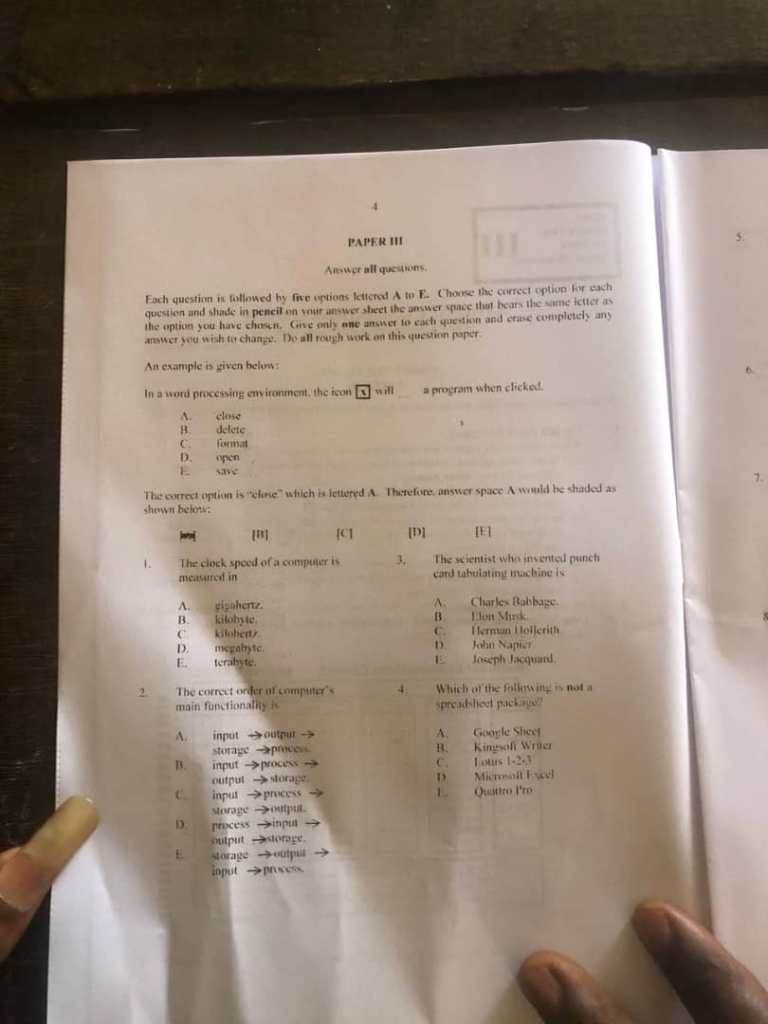
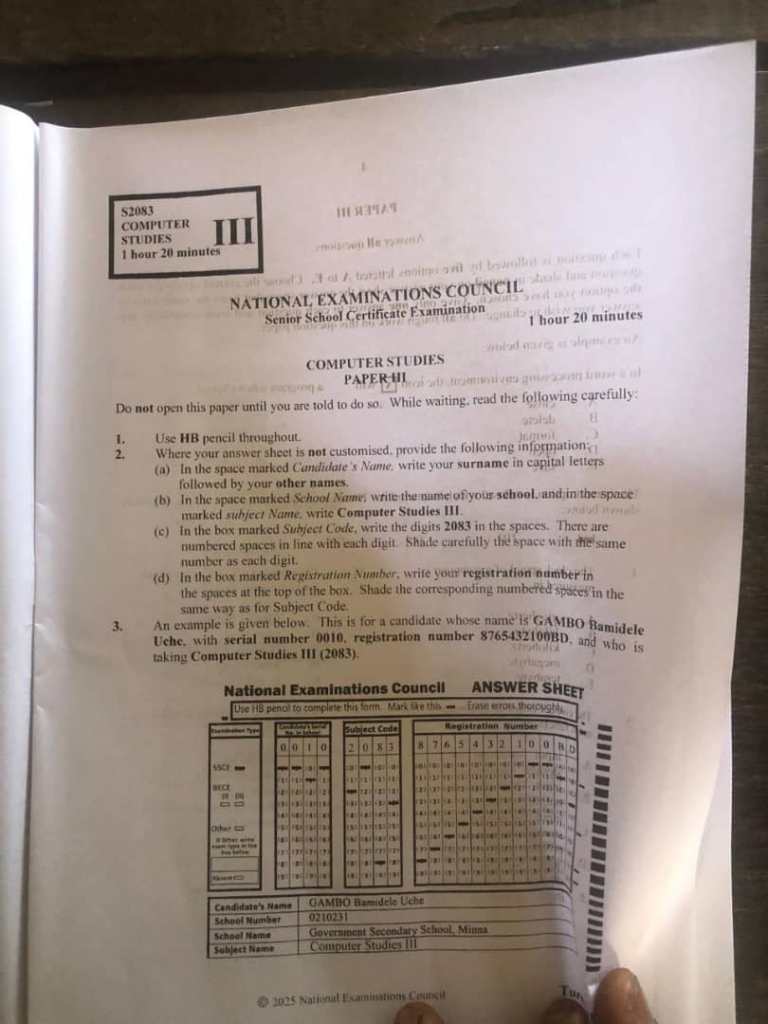
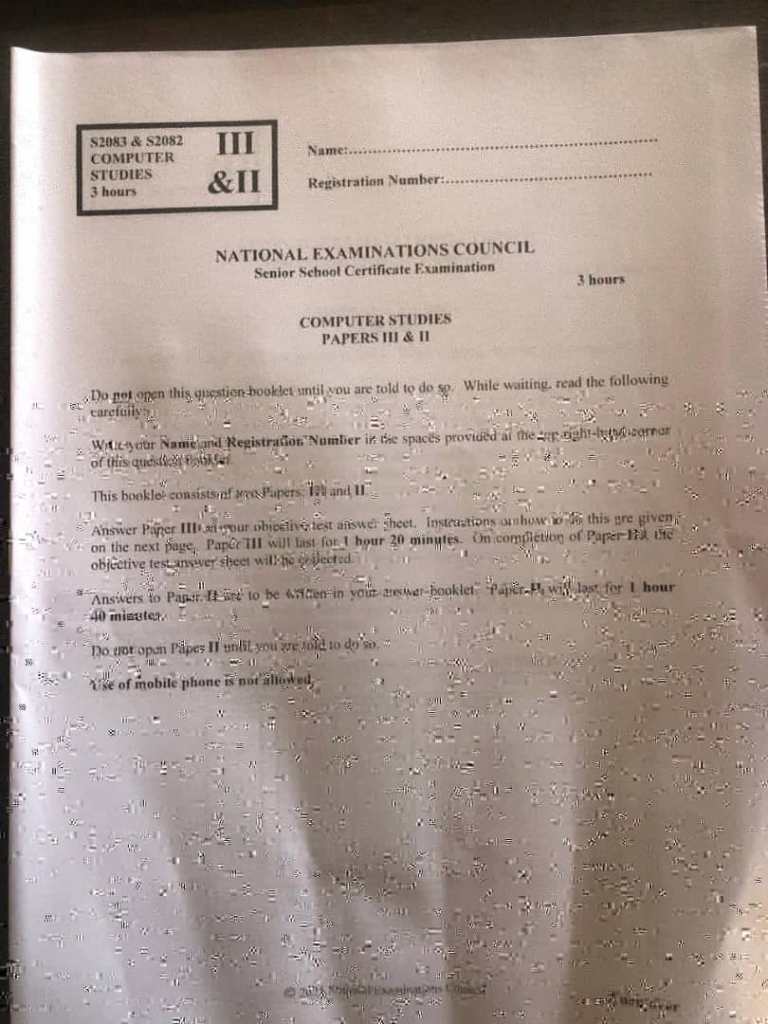
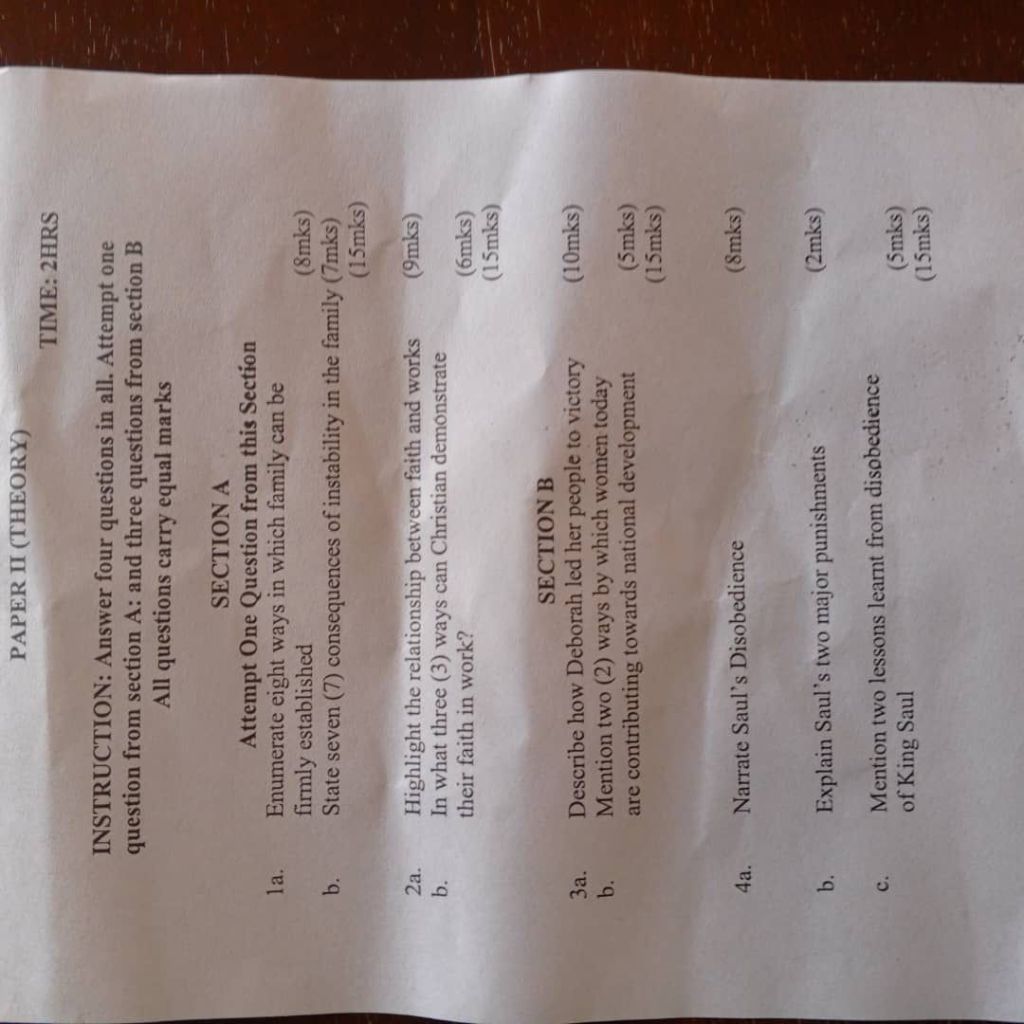
COMPUTER OBJ BY
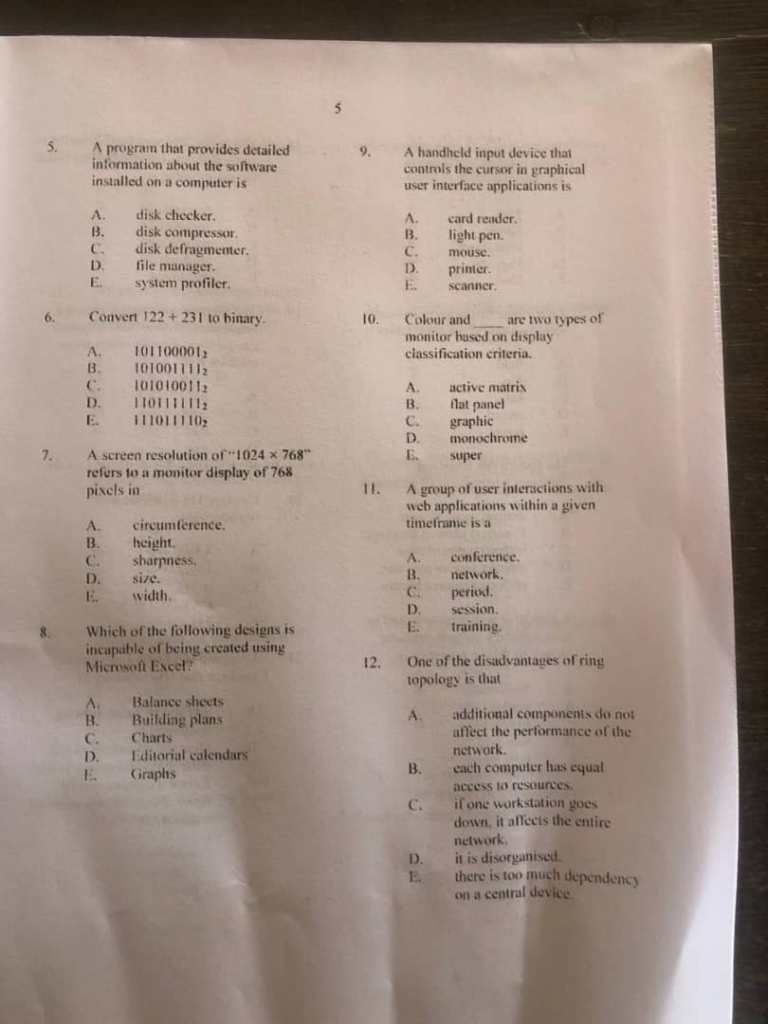
01-10: ACCBECEBCD
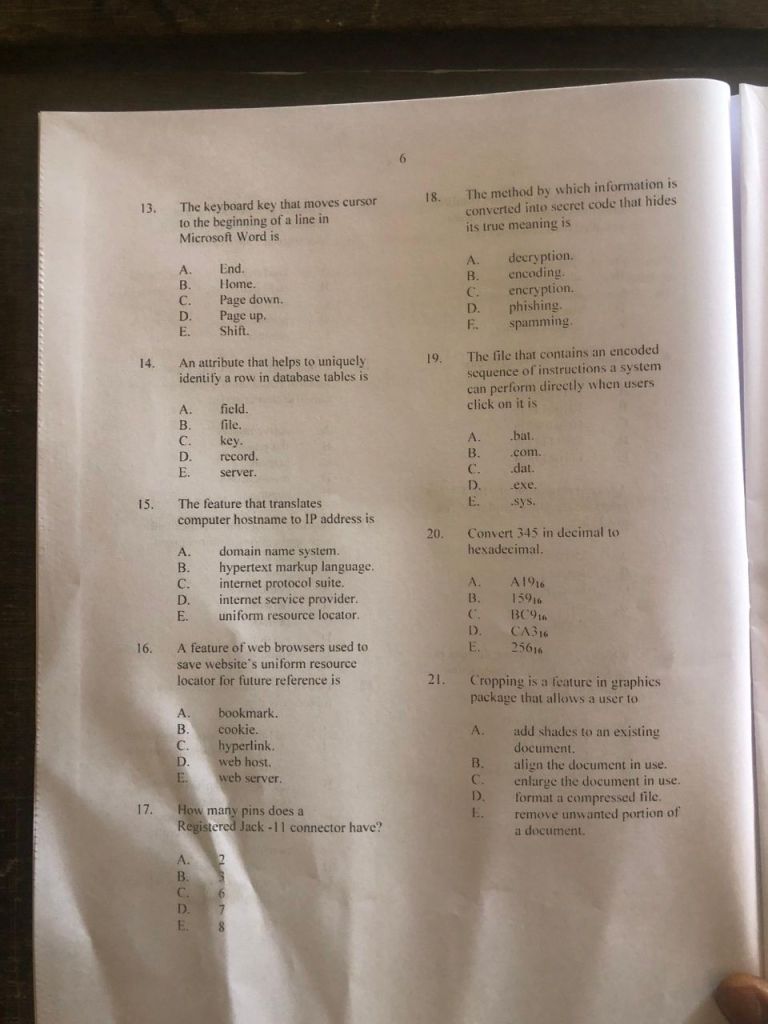
11-20: DCBCAACCDB
21-30: EAABBBBAEC
31-40: DBDCBAEDAD
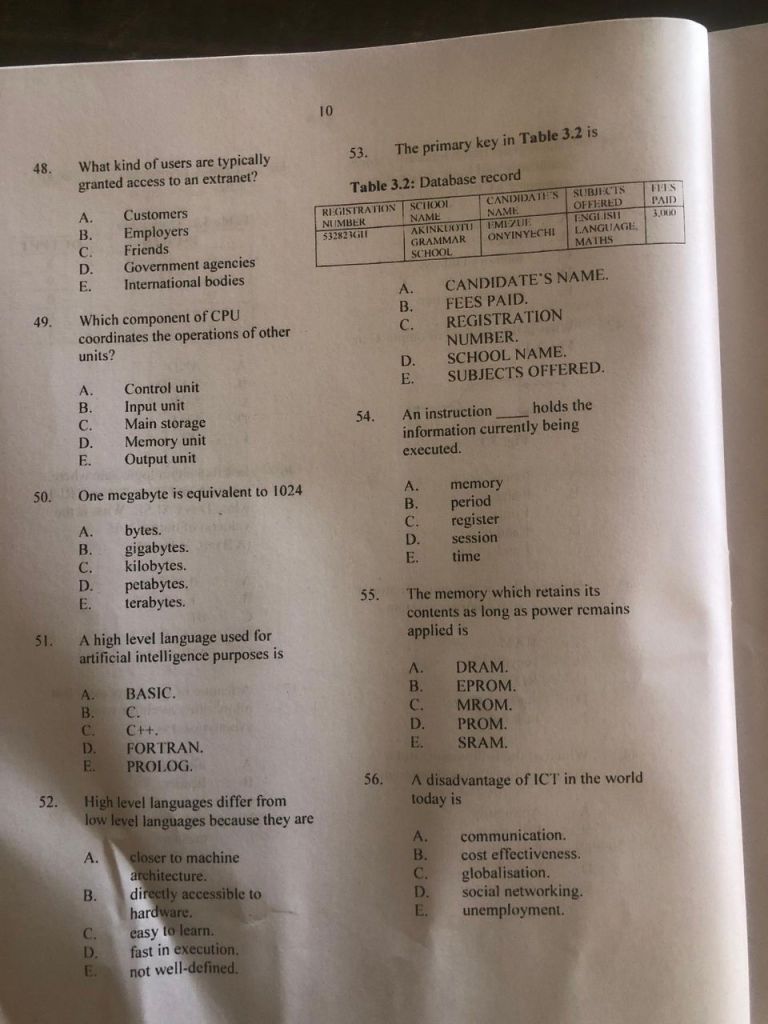
41-50: ACBAABEAAA
51-60: ECCCEECECC
COMPLETED
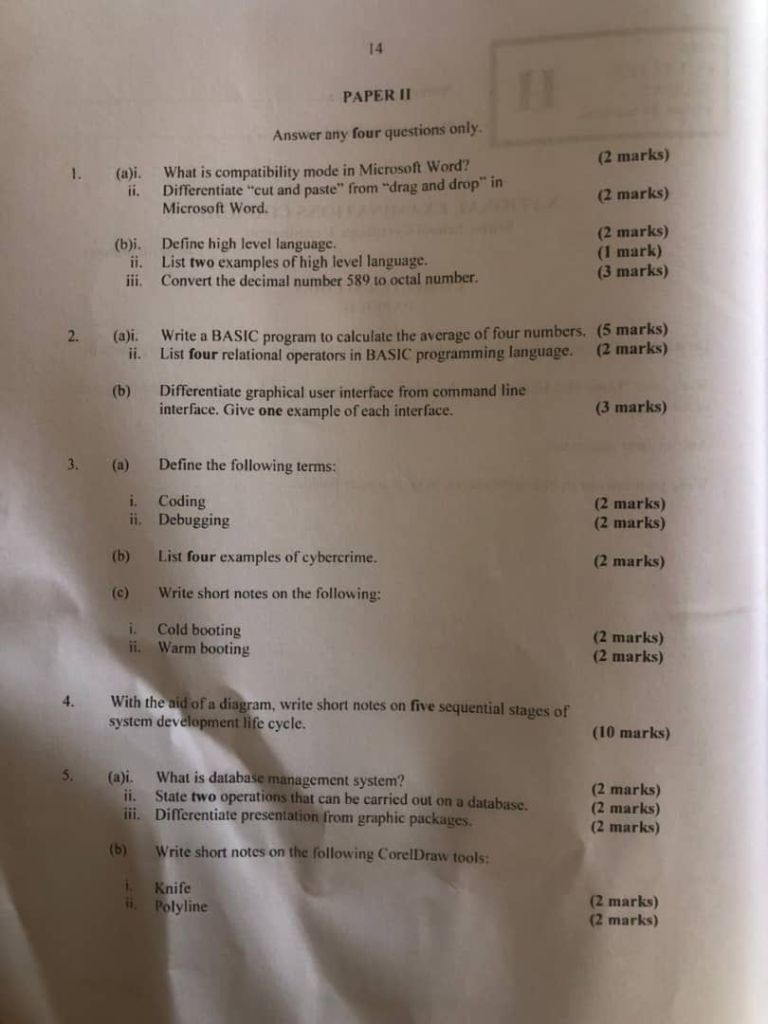
1. (a)
i. What is compatibility mode in Microsoft Word?
Compatibility mode is a feature in Microsoft Word that allows users to open and edit documents created in earlier versions of Word. It ensures that the formatting and features of the older document remain intact while editing.
ii. Differentiate “cut and paste” from “drag and drop” in Microsoft Word.
“Cut and paste” involves selecting text or objects, removing them from their original location, and placing them in a new location using the Cut command followed by the Paste command. “Drag and drop,” on the other hand, involves clicking and holding the mouse button on the selected text or object, dragging it to the desired location, and then releasing the mouse button to drop it there.
(b)
i. Define high level language.
A high-level language is a programming language that is designed to be easy for humans to read and write. It abstracts the details of the computer’s hardware, allowing programmers to write instructions in a syntax that is closer to natural language.
ii. List two examples of high-level language.
Examples of high-level languages include Python and Java.
iii. Convert the decimal number 589 to octal number.
To convert 589 to octal, we repeatedly divide by 8 and note the remainders:
– 589 / 8 = 73 remainder 5
– 73 / 8 = 9 remainder 1
– 9 / 8 = 1 remainder 1
– 1 / 8 = 0 remainder 1
Reading the remainders from bottom to top, the octal representation is 1115.
2. (a)
i. Write a BASIC program to calculate the average of four numbers.
“`
10 INPUT “Enter first number: “, A
20 INPUT “Enter second number: “, B
30 INPUT “Enter third number: “, C
40 INPUT “Enter fourth number: “, D
50 AVG = (A + B + C + D) / 4
60 PRINT “The average is: “; AVG
“`
ii. List four relational operators in BASIC programming language.
Four relational operators in BASIC are:
– = (equal to)
– <> (not equal to)
– > (greater than)
– < (less than)
(b) Differentiate graphical user interface from command line interface. Give one example of each interface.
A graphical user interface (GUI) allows users to interact with the computer using visual elements like windows, icons, and buttons, making it user-friendly. An example of a GUI is Microsoft Windows. A command line interface (CLI) requires users to type commands to perform tasks, which can be more efficient for advanced users. An example of a CLI is the Windows Command Prompt.
3. (a) Define the following terms:
i. Coding
Coding is the process of writing instructions for a computer in a programming language to perform specific tasks.
ii. Debugging
Debugging is the process of identifying and correcting errors or bugs in a computer program to ensure it runs as intended.
(b) List four examples of cybercrime.
Examples of cybercrime include:
– Hacking
– Phishing
– Identity theft
– Malware distribution
(c) Write short notes on the following:
i. Cold booting
Cold booting is the process of starting a computer from a powered-off state, which involves loading the operating system from scratch.
ii. Warm booting
Warm booting is the process of restarting a computer without turning off the power, typically done through the operating system.
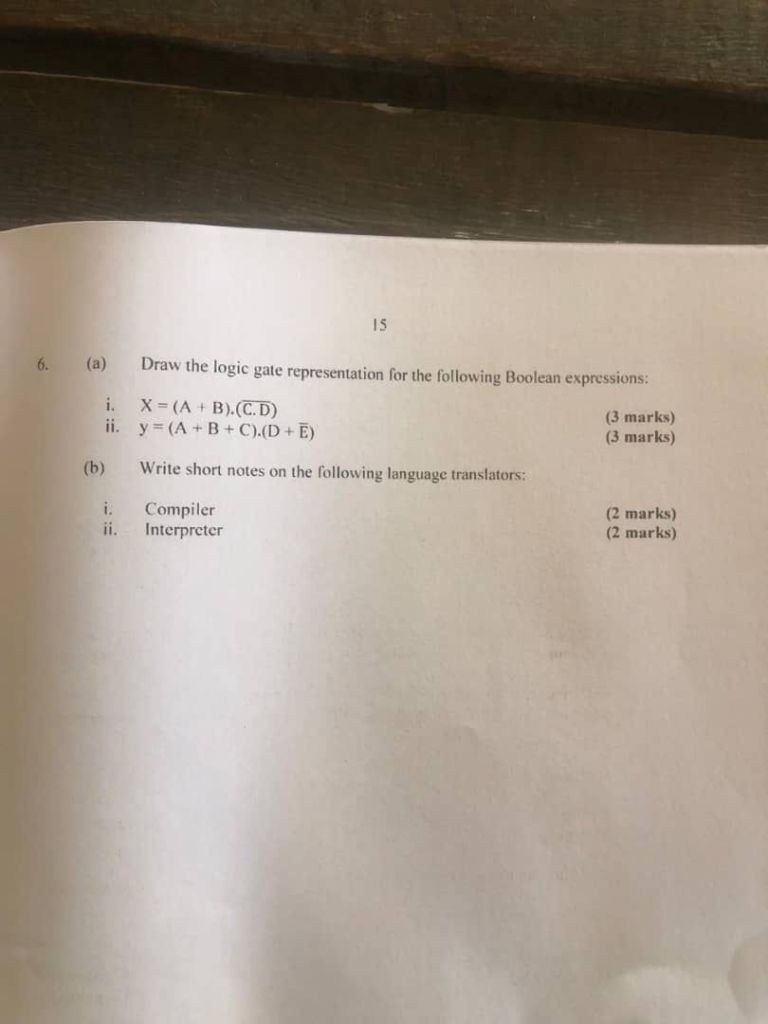
4. With the aid of a diagram, write short notes on five sequential stages of the system development life cycle.
The five sequential stages of the system development life cycle (SDLC) are:
1. Planning: Identifying the need for a new system and defining its scope.
2. Analysis: Gathering requirements and analyzing the needs of the users.
3. Design: Creating the architecture and design of the system based on the requirements.
4. Implementation: Developing the system and deploying it for user access.
5. Maintenance: Ongoing support and updates to ensure the system continues to meet user needs.
5. (a)
i. What is database management system?
A database management system (DBMS) is software that allows users to create, manage, and manipulate databases, providing a systematic way to store, retrieve, and manage data.
ii. State two operations that can be carried out on a database.
Two operations that can be carried out on a database are:
– Data retrieval (querying)
– Data insertion (adding new records)
iii. Differentiate presentation from graphic packages.
(1ai)
Compatibility mode in Microsoft Word is a feature that allows users to open and edit documents created in older versions of Word while maintaining the original formatting and layout, preventing potential compatibility issues that might arise from new features or changes in the current version.
(1aii)
Cut and Paste:
This involves selecting content, using the “Cut” command (Ctrl+X) to remove it from its original location, and then using the “Paste” command (Ctrl+V) to insert it into a new location.
Drag and Drop:
This involves selecting content and then physically dragging it with the mouse to a new location within the document and releasing the mouse button to place it there.
(1bi)
A high-level language is a programming language that uses a higher level of abstraction from machine code, making it easier for humans to read, write, and understand compared to low-level languages like assembly or machine code.
(1bii)
(i)Python
(ii)Java
(1biii)
Divide 589 by 8: 589 ÷ 8 = 73 remainder 5
Divide 73 by 8: 73 ÷ 8 = 9 remainder 1
Divide 9 by 8: 9 ÷ 8 = 1 remainder 1
Divide 1 by 8: 1 ÷ 8 = 0 remainder 1
Octal Number: Reading the remainders from bottom to top, the octal equivalent of 589 is 1115.
(2ai)
BASIC Program to Calculate Average
10 INPUT “Enter first number: “, N1
20 INPUT “Enter second number: “, N2
30 INPUT “Enter third number: “, N3
40 INPUT “Enter fourth number: “, N4
50 AVERAGE = (N1 + N2 + N3 + N4) / 4
60 PRINT “The average is: “; AVERAGE
70 END
(2aii)
(i) = (equal to)
(ii) <> (not equal to)
(iii) > (greater than)
(iv) < (less than)
(2b)
GUI: A visual interface that allows users to interact with a computer using graphical elements like icons, buttons, and menus.
-Example: Windows Operating System
CLI: A text-based interface where users interact with a computer by typing commands and receiving output in text form.
-Example: Linux Terminal
*NECO COMPUTER ANSWERS*
*NUMBER THREE*
(3ai)
Coding is the process of writing instructions or commands using a programming language to create software, applications, or websites that a computer can understand and execute.
(3aii)
Debugging is the process of identifying, locating, and fixing errors or bugs in a computer program to ensure it runs correctly and performs its intended function.
(3b)
(PICK ANY FOUR)
(i) Hacking
(ii) Phishing
(iii) Identity theft
(iv) Cyberbullying
(v) Spamming
(vi) Internet fraud
(vii) Spreading malware or viruses
(viii) Unauthorized access to computer systems
(3ci)
Cold booting, also known as hard booting, is the process of starting up a computer that is completely turned off. It begins when the user presses the power button, which activates the computer’s hardware and loads the operating system from scratch. This type of booting is usually done when the system is initially powered on or after a complete shutdown. It refreshes the computer’s memory and performs all the necessary startup checks (POST, Power-On Self-Test), ensuring the system starts in a clean and stable state.
(3cii)
Warm booting, also known as soft booting, is the process of restarting a computer without turning off the power. It is usually done using the Restart button or pressing Ctrl + Alt + Del on the keyboard. During warm booting, the computer skips some hardware checks and reboots faster than a cold boot. This method is commonly used when software updates require a restart or when the system freezes and needs to be refreshed without a full shutdown.
 Examsmooth
Leave a comment